
SQL e-Leave / e-Time Attendance / e-Claim
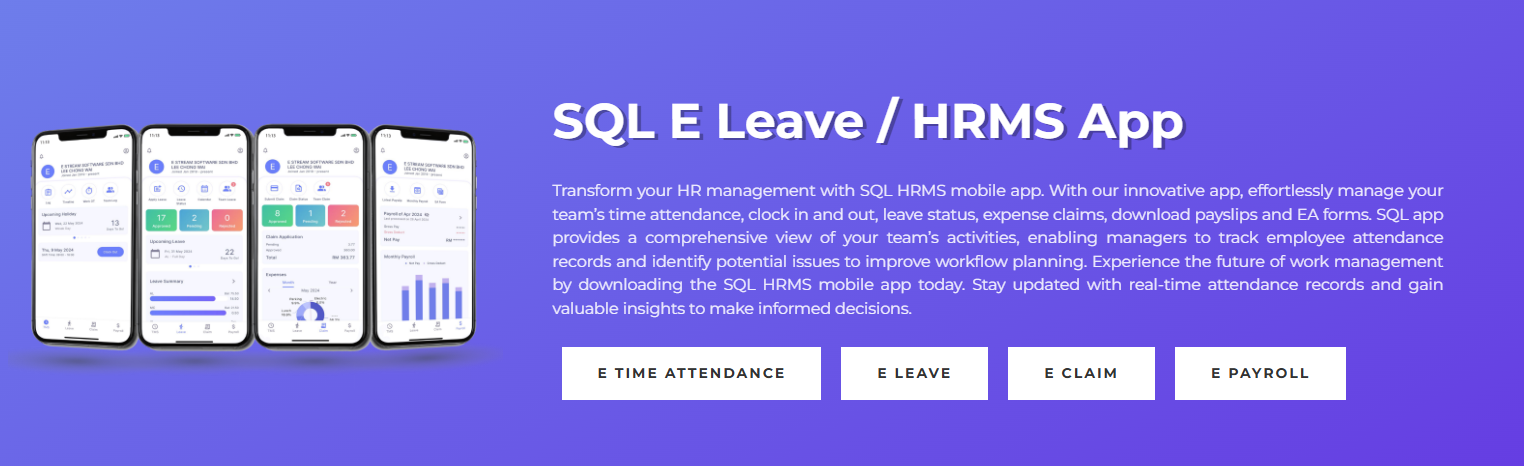
Features of SQL E Leave / HRMS App
- Easy Setup & Configuration: Configuration & sync your HRMS app with the SQL Payroll software easily. Once that is done, just login into SQL HRMS app by using your email and start submitting your leave applications.
- Apply & Approve Leaves Anytime Anywhere: You no longer need to personally submit your leave applications in the HR’s Office. If you need to take an emergency leave, login into your app and submit an application. The manager will be notified and will be able to approve the leave immediately.
- Fast & Reliable Support: Nationwide support is provided for all E Leave, E Claim and E Time Attendance users. Technical support is provided over the phone, emails, and remote access.
How SQL E Time Attendance Works?

How to apply e-Leave
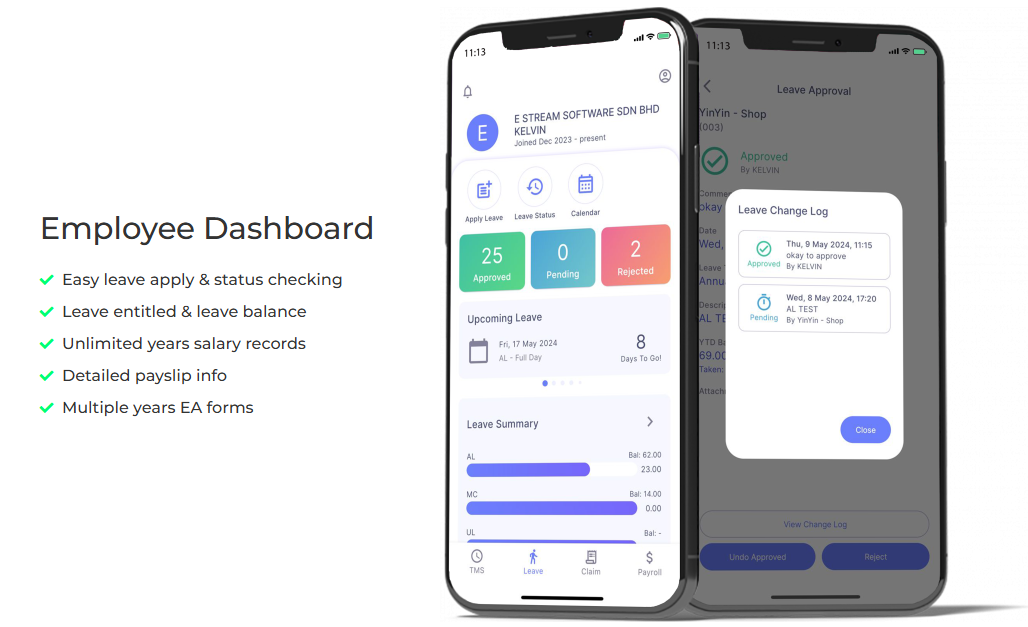
How to Check Leave Balance and Leave Status
How to apply work extra overtime as Leave Replacement


